Design System in Product
RPM Workflow
Applying the design system to a complex remote patient monitoring product across notes, patient pages, and actionable dashboards for clinical teams.
Focus
Notes, patient page, dashboard, signals, decision support
Relationship to case study 1
This project pressure tested the design system through real workflows, dense data, and clinical decision making.
Product surfaces
Framing
Showing how the system holds up inside a complex product
This case study is about how system thinking shaped real interfaces under data, workflow, and operational pressure. It shows how reusable structures, interaction patterns, and strong hierarchy supported clinical understanding and action.
Context and role
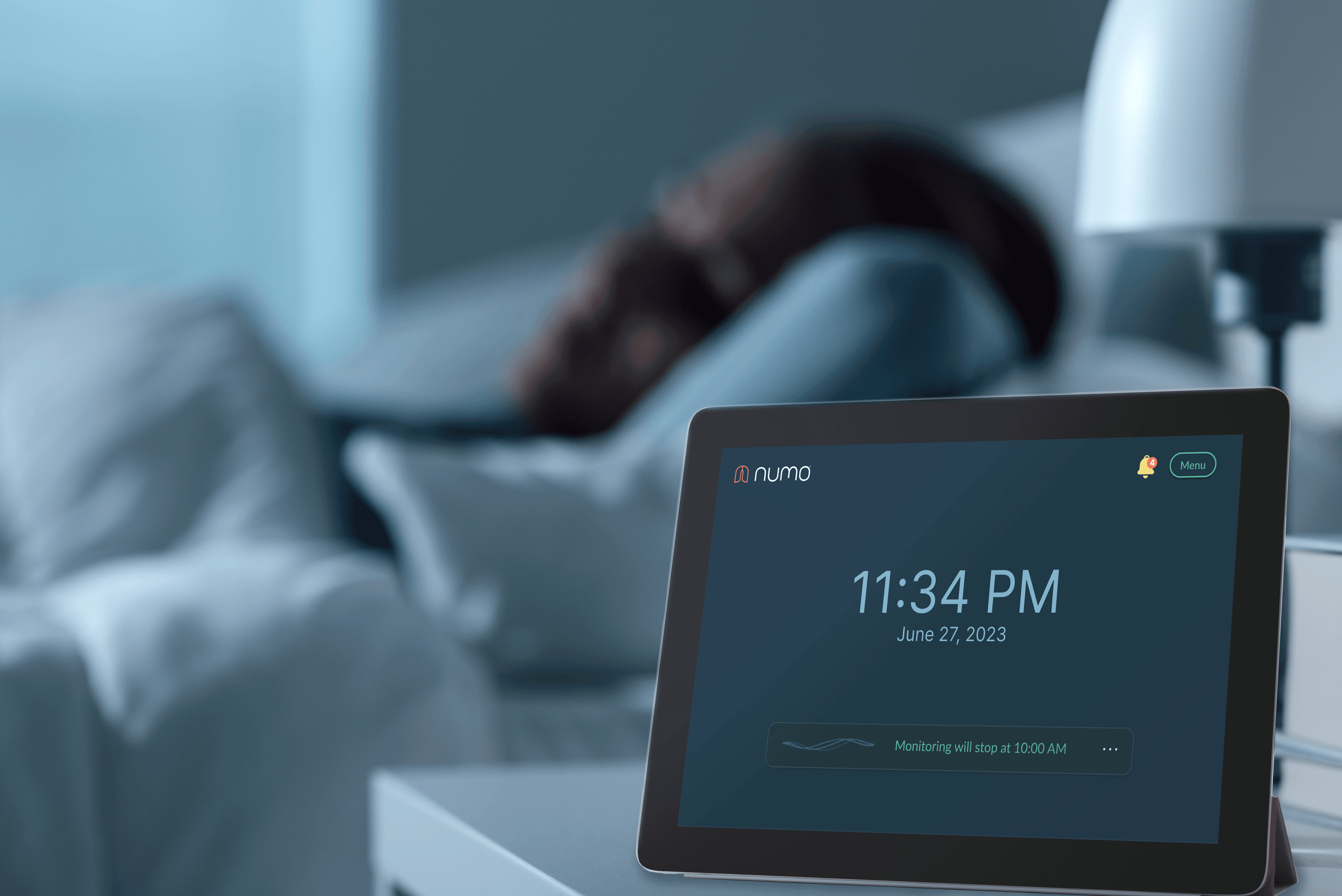
For remote patient monitoring, I worked on a product used to review overnight respiratory data, support patient follow up, and help clinical teams act faster. This project involved patients, clinicians, operations, and reimbursement workflows, so the interface had to support multiple kinds of decisions across different surfaces.
Why this mattered for the design system
This project became a real world test of whether the system could hold up under complexity. It was not enough to have clean components. The system needed to support dense information, longitudinal data, alert prioritization, mixed structured and unstructured content, and a calm but actionable interaction model.
Notes
Notes were more than text fields. They became part of the operational layer of the product. I explored how notes could support structured annotation, preserve clinical context, and connect system detected signals with human judgment. That shaped how we thought about hierarchy, status, and reusable content blocks.
Patient data
The patient data page brought together overnight signals, symptom patterns, patient history, and contextual detail into a longitudinal view. The design challenge was helping patients understand trends over time and give visibility to the data collected. That required strong hierarchy, progressive disclosure, and reusable layout logic.
Actionable dashboard
The dashboard focused on triage and prioritization. Rather than just showing monitoring data, it helped answer what needs attention now. This is where interaction design and system thinking came together most clearly. I designed reusable rows, summary states, alerts, and action containers that supported decision making without overwhelming the user.
Collaboration and constraints
I worked across design, engineering, and domain experts while also using product and operational insight to shape the interface. Some of the hardest design decisions came from the data pipeline itself: what was reliable, what could be summarized safely, and how to expose confidence and timing in a way clinicians could trust.
Accessibility considerations
Accessibility centered on readability, scannability, and signal clarity. I focused on contrast, information grouping, type scale, icon support, and making important changes legible in dense interfaces and lower light conditions.
Impact and learnings
The product helped reduce manual review time by about 60 percent, improved patient engagement, and supported high adherence. My biggest takeaway was that design systems get stronger when they are shaped by real product pressure.
Related case study
See the system foundation behind this product work
The Lung DS case study shows the underlying tokens, primitives, components, and patterns that made this product work scalable.